Chrome extension · TeachersXchange
A student management and reward system built for online lessons: drop stars on screen, hear the celebration, and keep light notes on progress—all while you share your screen.
Student Stars is included for OTC Pro members. New here? Start on the OTC Pro home page to see what’s in the membership and how to join.
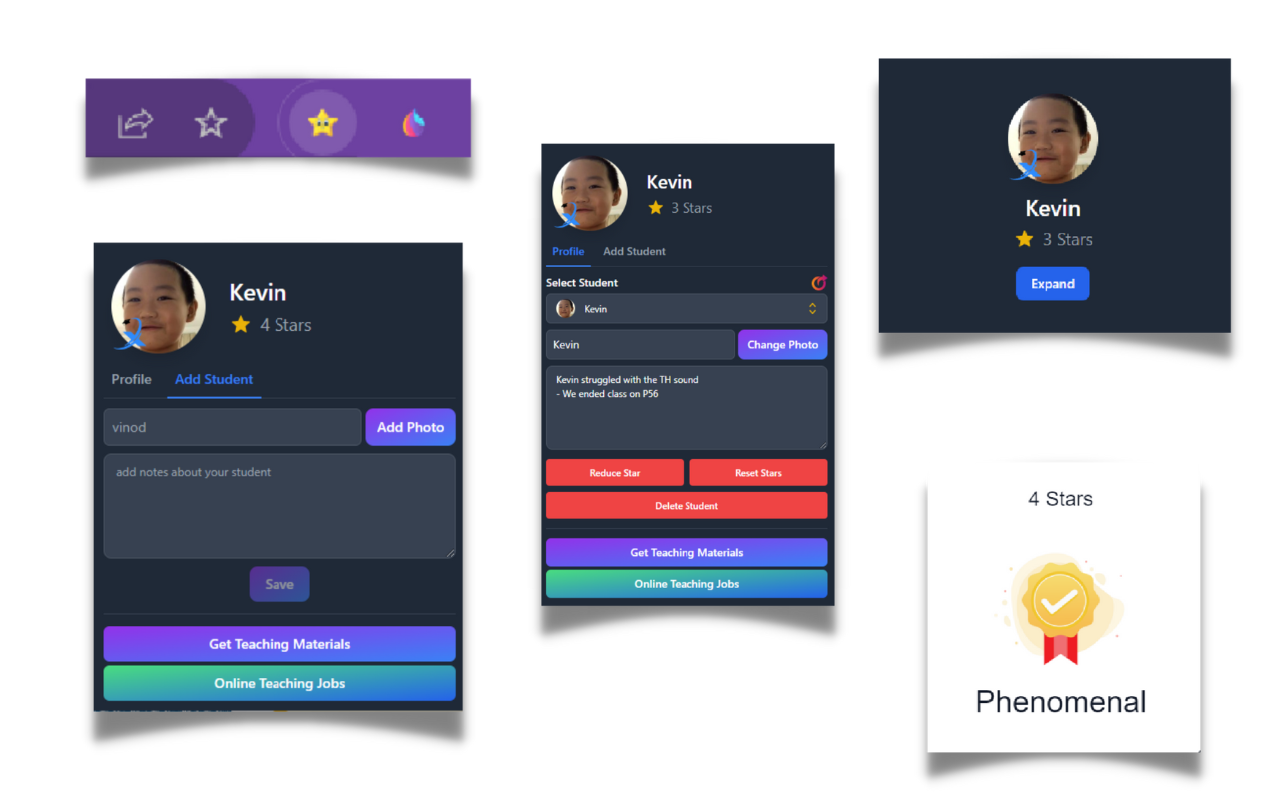
Whether you teach a small group or a large class, TeachersXchange’s extension gives you simple tools to manage attention, celebrate effort, and remember what you covered last time.
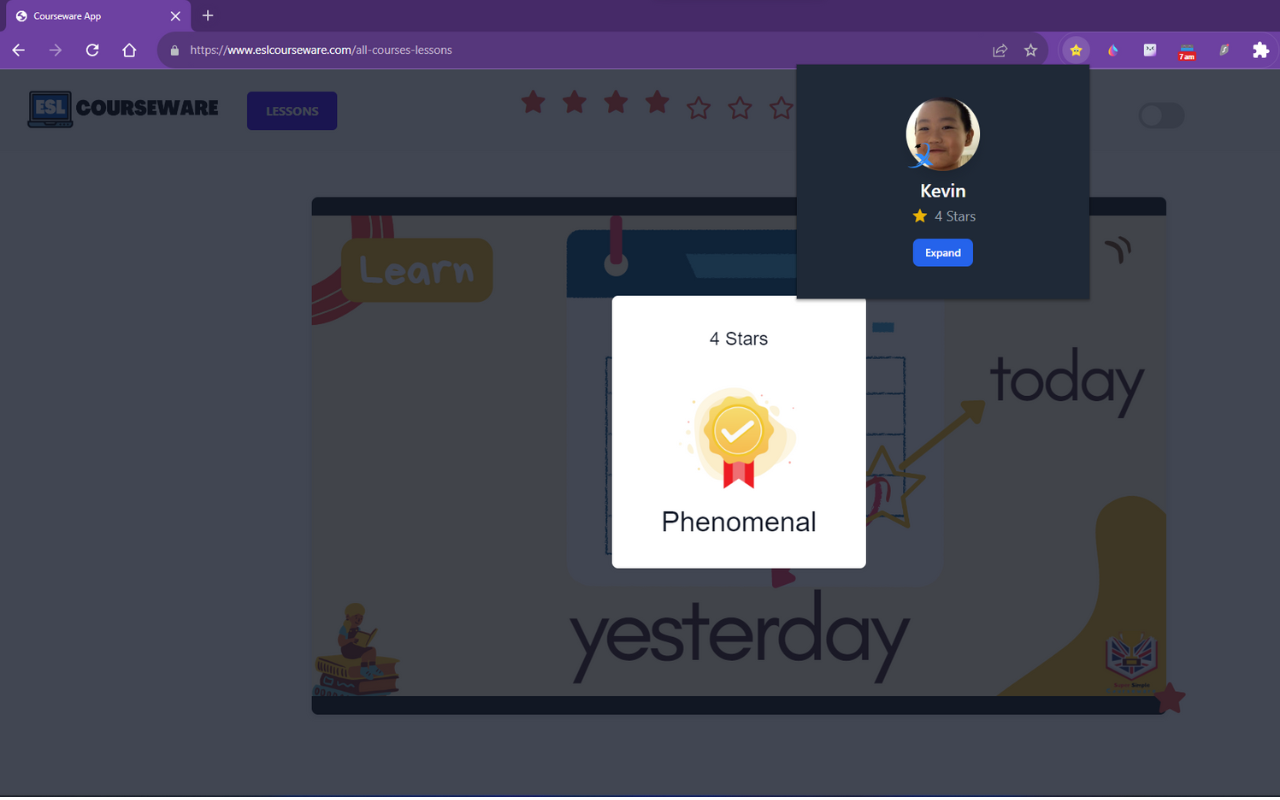
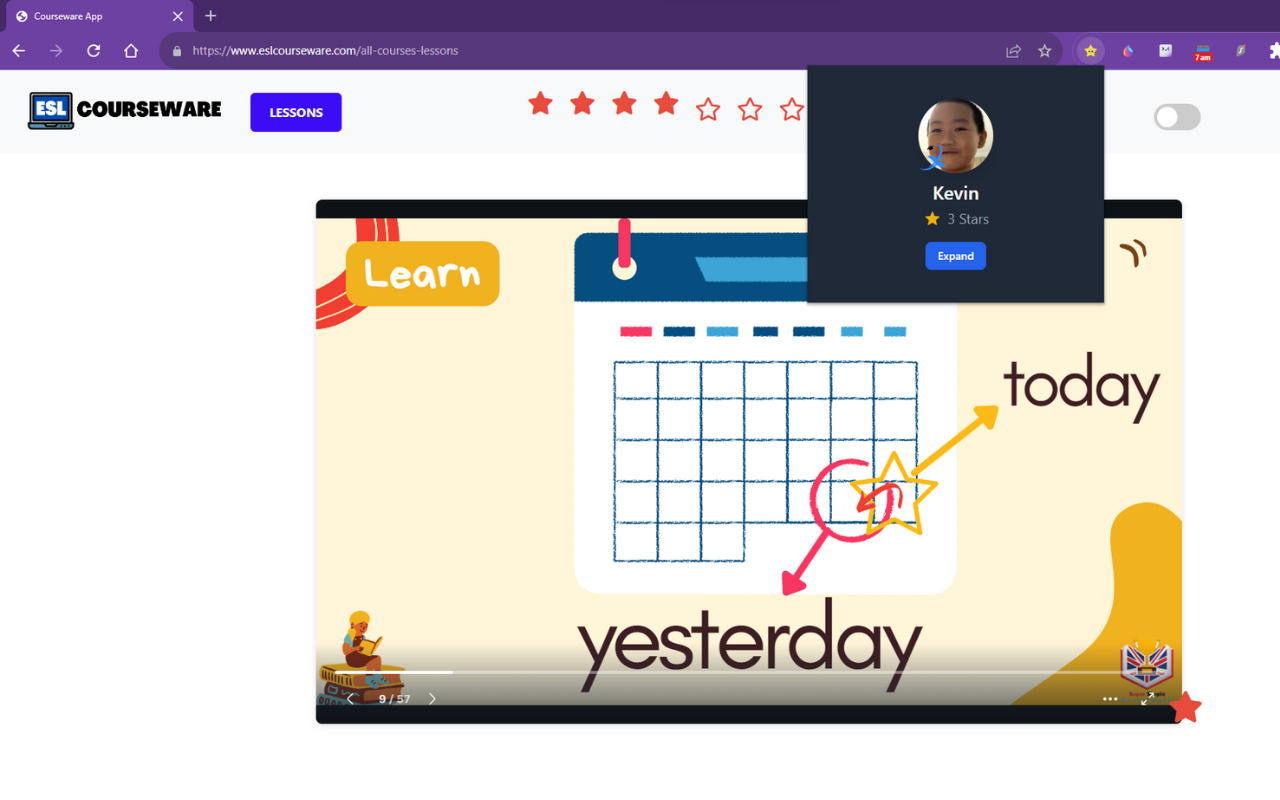
Click the star while you’re teaching online and displaying content in the browser. Each tap triggers a satisfying animation and sound and adds to that student’s total—so recognition is instant and visible.
You can reset star counts any time, which makes it easy to start fresh for a new unit, a new week, or a new group dynamic.
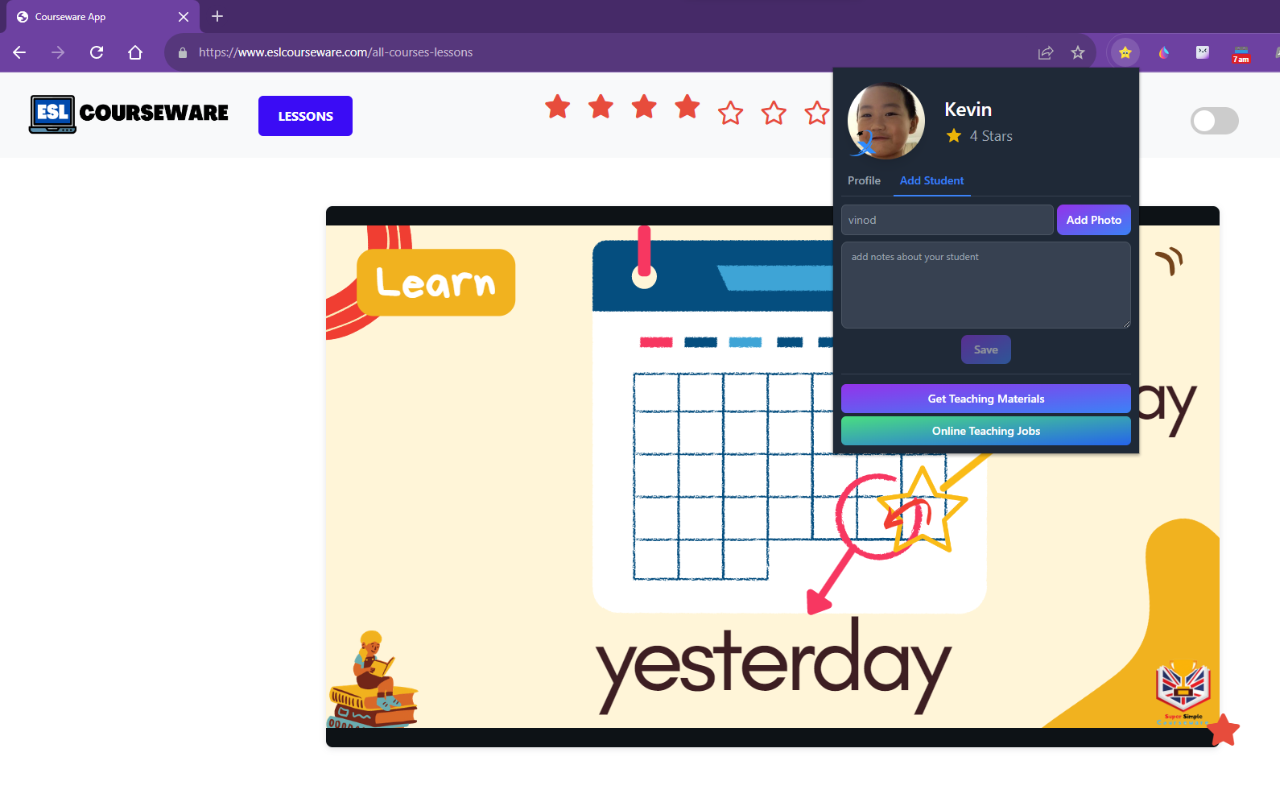
Beyond rewards, Student Stars supports light student data management. Store information locally—like what you covered last time—so you can spot patterns, follow up, and tailor your next lesson without digging through chat logs.
It’s designed to make online teaching more engaging for learners and less mentally taxing for you.
See how the extension sits alongside your teaching—student panel, stars, and context without leaving the page you’re sharing.
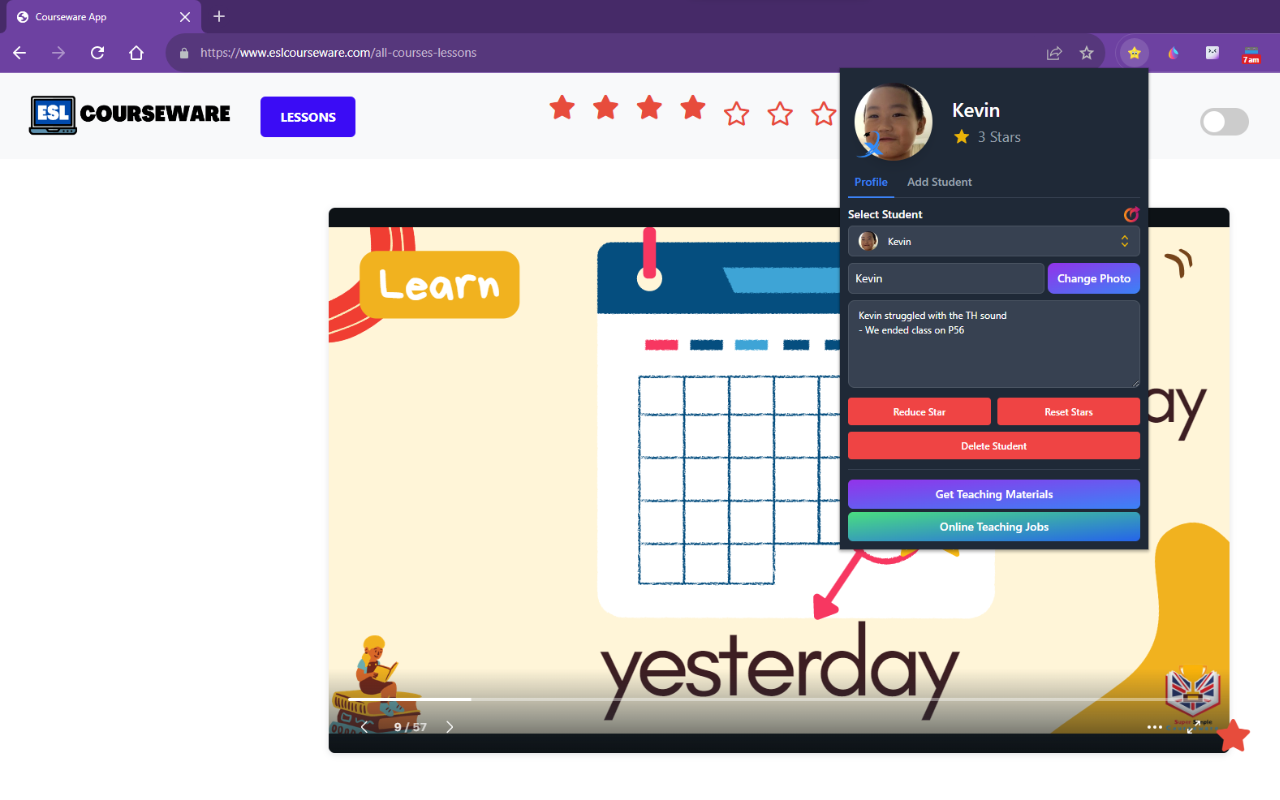
Student Stars is available to OTC Pro members as part of your teaching stack—alongside the rest of your apps, resources, and training in one membership.
Not a member yet? The OTC Pro home page explains the full membership—tools, training, and community—and how to sign up.
You can find your download password on your OTC Pro dashboard (member home)—look for the Student Stars card.
/OTC PRO LIGHT 2.png)